
Installation
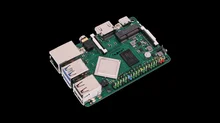
- Download. Get the latest Radxa Pi 4B image from the downloads page or the wiki.
-
Flash. Write the image to an SD card or SSD using balenaEtcher, Raspberry Pi Imager, or
dd. - Boot. Insert the media, power on. REG Linux expands the filesystem on first boot. Pair your controllers when prompted.
- Rescue. If something goes wrong, reboot into rescue mode — your games are always safe on a separate partition.