Home
Download
Play
Compatibility
Community
Wiki
All devices
Home
/
Download
/
Raspberry
/
Raspberry Pi 3
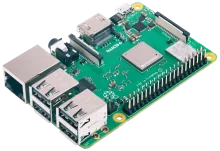
Raspberry Pi 3
Raspberry
· Broadcom BCM2837
Download image
Wiki page
Download
Compatibility details
Device notes
Best for
Starter builds and small arcade boxes that value simplicity.
Notes
Use a good power supply to avoid brownouts.
Wi-Fi reliability improves with a strong signal.
Known issues
Lower headroom for newer systems.
USB 2.0 limits fast storage.
Installation
Download.
Get the latest Raspberry Pi 3 image from the
downloads page
or the
wiki
.
Flash.
Write the image to an SD card or SSD using
balenaEtcher
,
Raspberry Pi Imager
, or
dd
.
Boot.
Insert the media, power on. REG Linux expands the filesystem on first boot. Pair your controllers when prompted.
Rescue.
If something goes wrong, reboot into rescue mode — your games are always safe on a separate partition.
Related devices
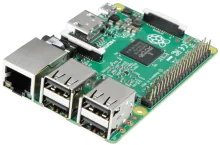
Raspberry Pi 2
Broadcom BCM2836
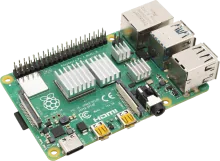
Raspberry Pi 4
Broadcom BCM2711
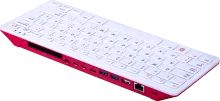
Raspberry Pi 400
Broadcom BCM2711
Browse all devices
Compatibility matrix